PlayStation Fan Cleaning & Repair
The cooling fan inside your PlayStation is designed to automatically turn on while the console is running and continuously move hot air away from the system. If the fan is clogged with dust or not spinning correctly, your console can overheat and shut down.

Why PlayStation Fans Get Noisy, Dusty, or Weak Over Time
When a PlayStation console sits close to the floor, especially in open areas, the fan starts pulling in dust from the room. Over time, this dust builds up in layers on the fan blades and vents. Thick dust prevents the fan from spinning freely and reduces its ability to cool the system properly — which can lead to overheating, shutdowns, and long-term component damage.
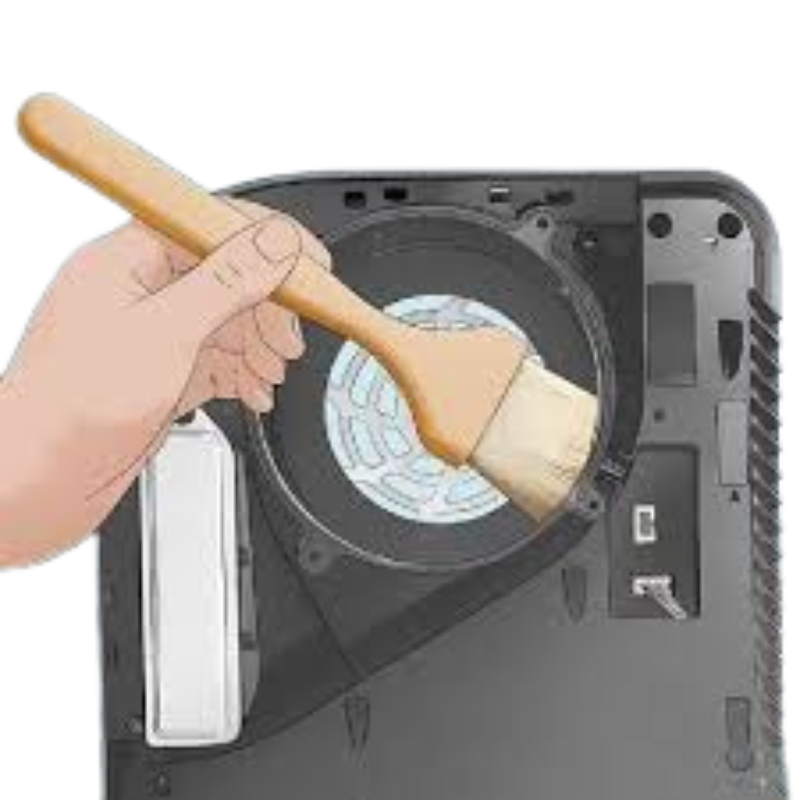
Fan Cleaning & Dust Removal
When dust accumulates on the fan blades and inside the cooling channels, the fan can no longer move air effectively. This causes:
- Louder fan noise at all times
- Hot air blowing out constantly
- Console getting very warm on the top or back
- Overheating warnings or sudden shutdowns
We open the console and perform a deep internal cleaning — not just spraying air from the outside. Dust is removed from the fan blades, heat sink, and air channels to restore proper airflow.
Between professional cleanings, you can slow down dust buildup by occasionally using compressed air on the fan openings while the console is powered off, and by keeping the console away from dusty floor-level positions.
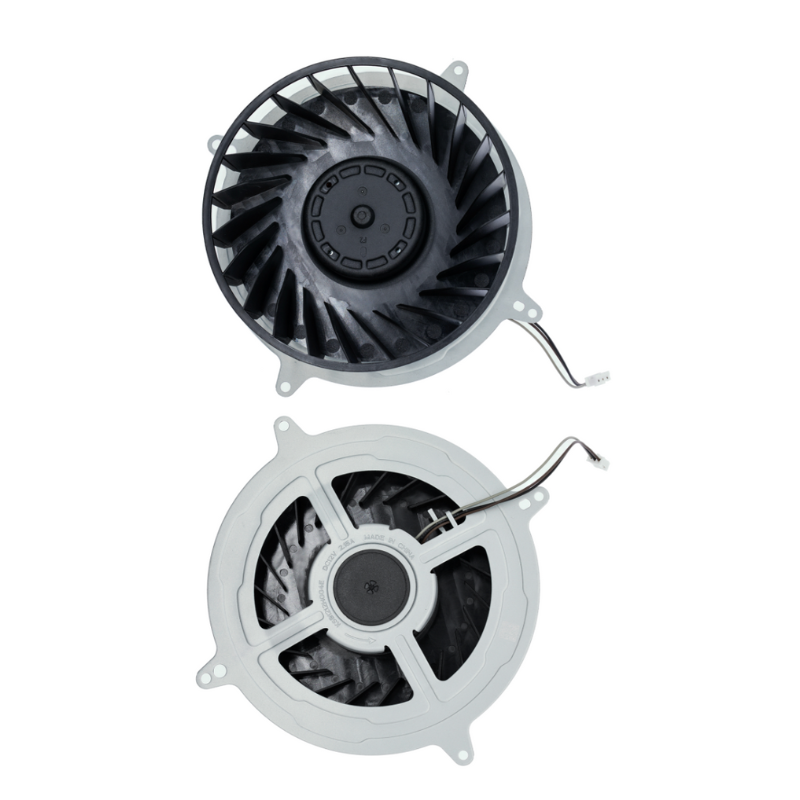
Fan Replacement & Overheating Protection
Dust and heat over long periods can wear out the fan motor itself. At some point, cleaning alone is not enough, and the fan has to be replaced.
- Fan does not start or stops randomly
- Grinding, rattling, or high-pitched fan noises
- Console overheats quickly even after cleaning
- Visible wobble or play in the fan when spun by hand
In these cases, we install a high-quality replacement fan and re-apply fresh thermal compound if needed, to help the console run cooler and more quietly.
Keeping the console in a well-ventilated, elevated area (not inside tight cabinets and not directly on the floor) greatly reduces dust intake and helps protect your new fan.
For best cooling performance, keep your PlayStation:
- Off the floor and away from carpets or rugs
- In an open, ventilated area (not inside a closed cabinet)
- With space around the back and sides for air to escape
This lifetime warranty covers part defects and workmanship defects on fan replacement and related cooling repairs only.
✔ Covered:
• Defective replacement fan (bearing or motor failure without physical damage)
• Connection or installation issues not caused by impact or liquid
• Fan failure where there is no new external damage
⛔ Not Covered:
• Physical damage (drops, hits, console case cracks)
• Liquid damage, moisture, corrosion inside the console
• Severe dust buildup from long-term use in dirty or blocked environments
📄 Warranty Requirement:
Factory One Fix Tech receipt must be presented for warranty support.
Need PlayStation Fan Cleaning or Repair?
If your PlayStation is running hot, loud, or shutting down, it may be time for a professional fan service. Bring your console to One Fix Tech — we will inspect the cooling system and recommend the safest repair.
Book Your Fan Service